
What’s new in Bookshare
Back to School updates for the 2026–27 school year, each one built from member feedback.
01 · In the reader app
01 · In the reader app
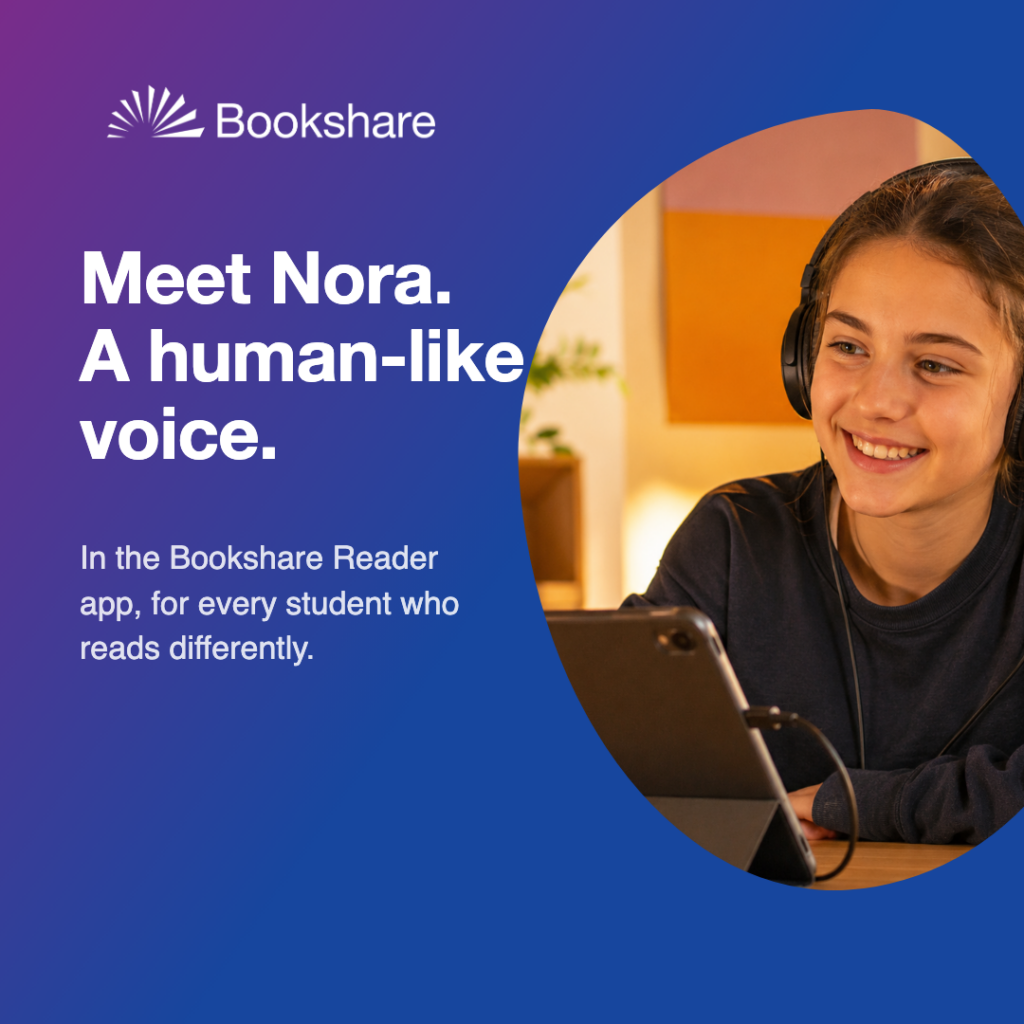
Natural reading voices
Meet Nora, a natural voice. Nora reads naturally, the rhythm and warmth of a person, and makes reading an even more enjoyable experience. She’s live in the Bookshare Reader mobile app now, and arrives in the web reader soon.
02 · Account setup
02 · Account setup
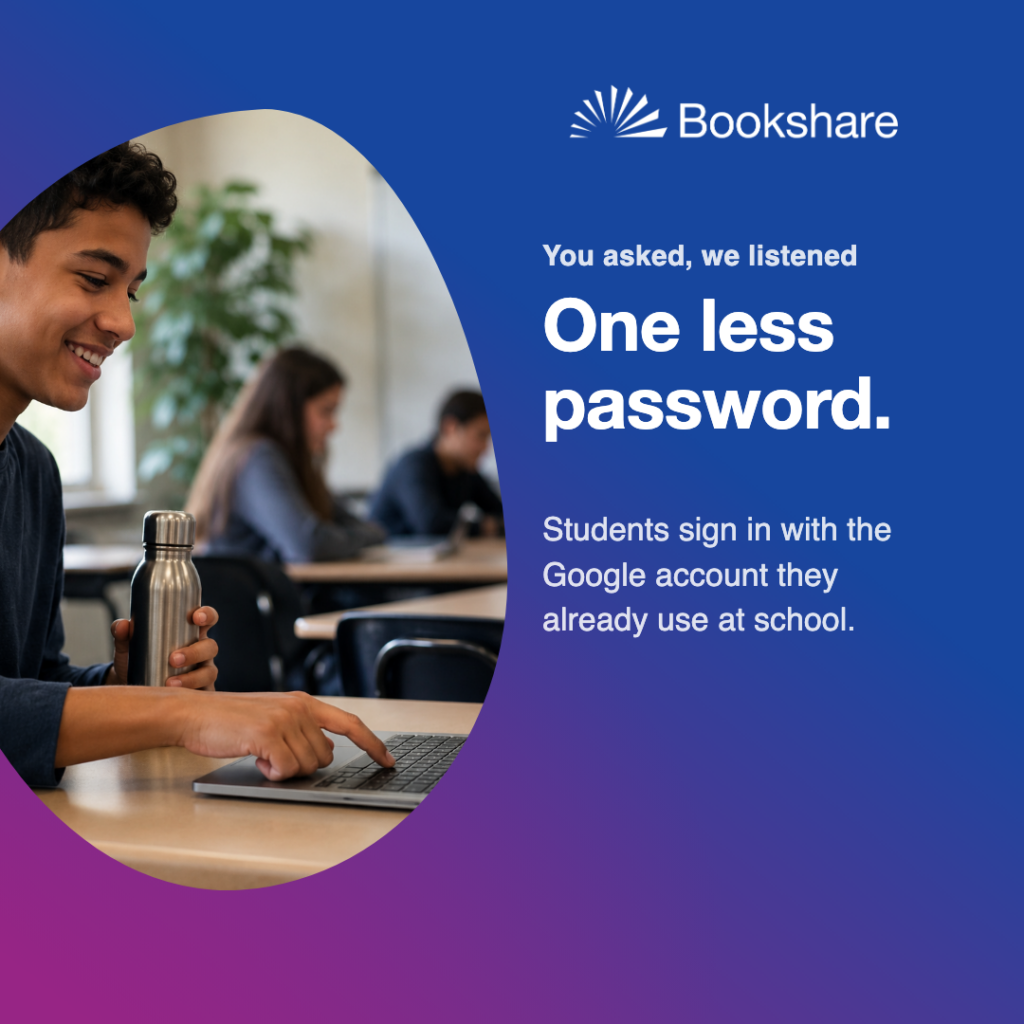
Sign in with Google
One less password. Students sign in with the school Google account they already use, no separate Bookshare login to set up, remember, or reset. Easier for students, simpler for IT.
03 · For educators
03 · For educators
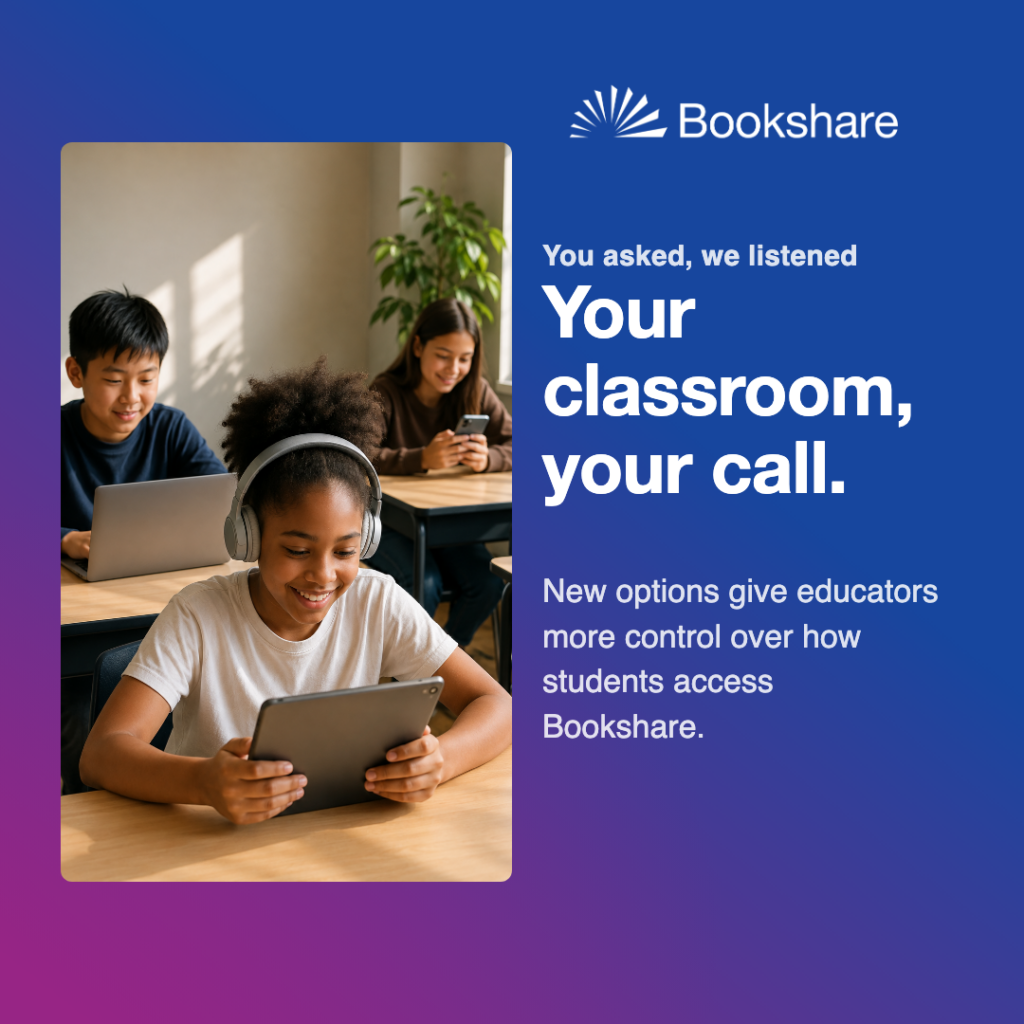
Organizational access options
Your classroom, your call. Educators now have three ways to shape student access: keep your current controls, set access to books within the new Safe Search, so students can independently search for books that are age appropriate, or enable full independent reading with an Individual Membership.
04 · Accessibility
04 · Accessibility
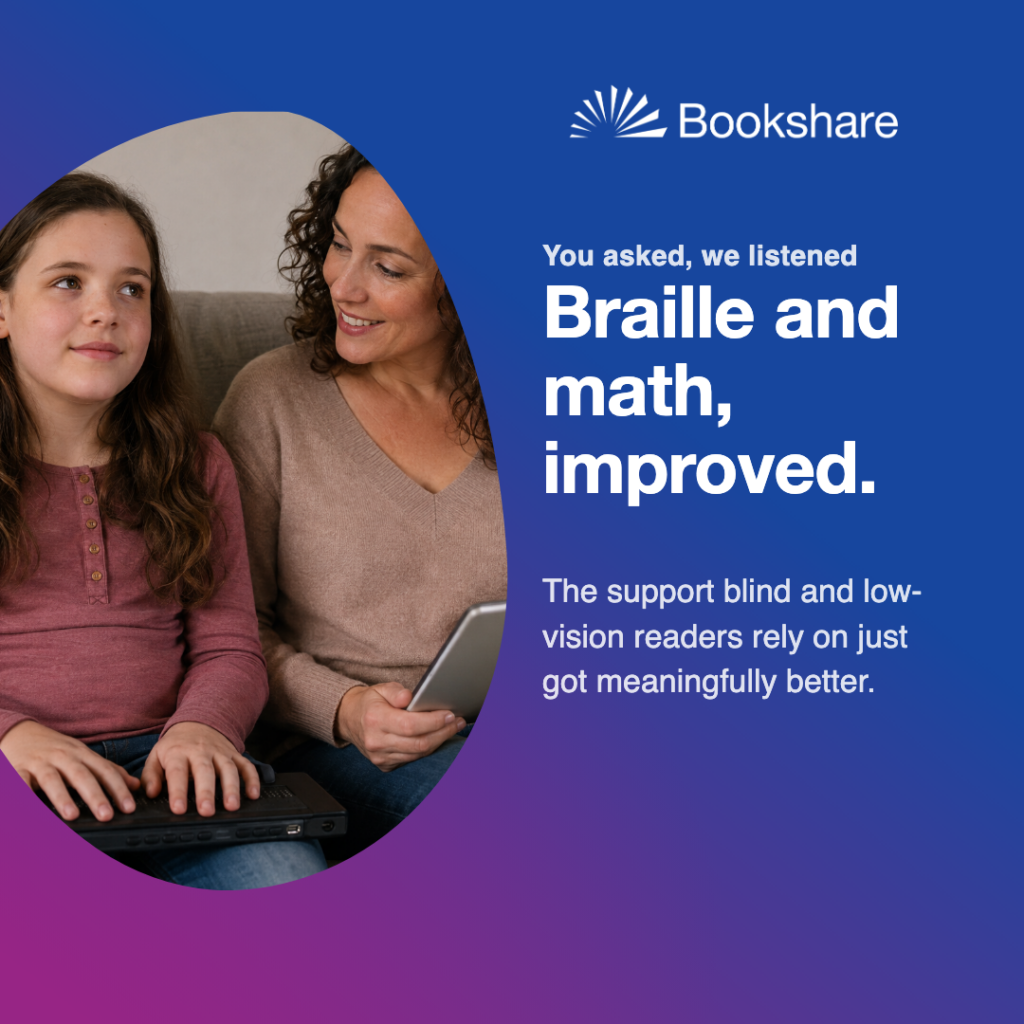
Braille + MathML improvements
Braille and math, improved. Bookshare’s support for braille readers, a cornerstone since the beginning, got meaningfully better this year, along with improved accessible math.
05 · In the web reader
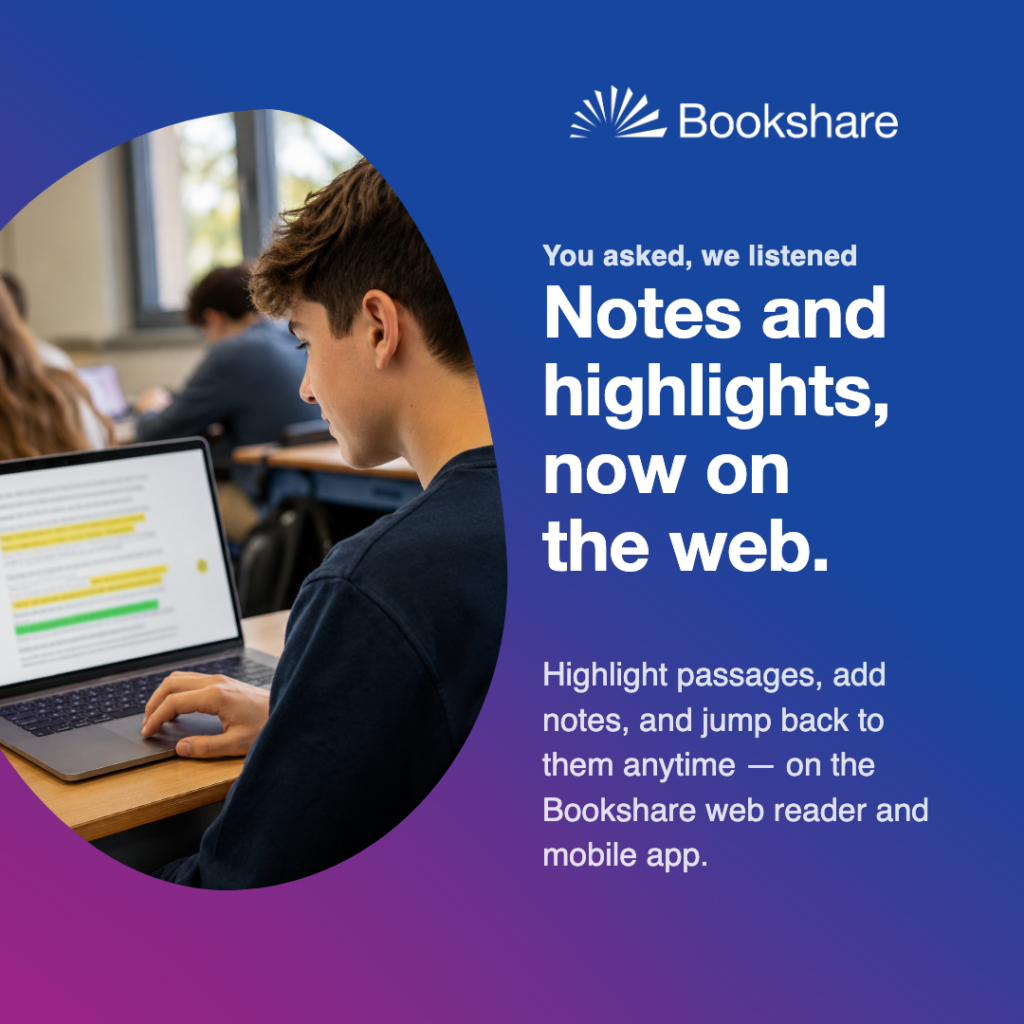
05 · In the web reader
Take notes and highlight right inside the book
Students can now highlight key passages and add notes as they read, then jump straight back to them later—all without leaving the page. The feature is available on both the Bookshare web reader and mobile app.